Profilare

Rhinoplasty simulation software.

Begin with the photograph your patient recognizes. Identify the original and the illustration so the patient can see what each image represents.

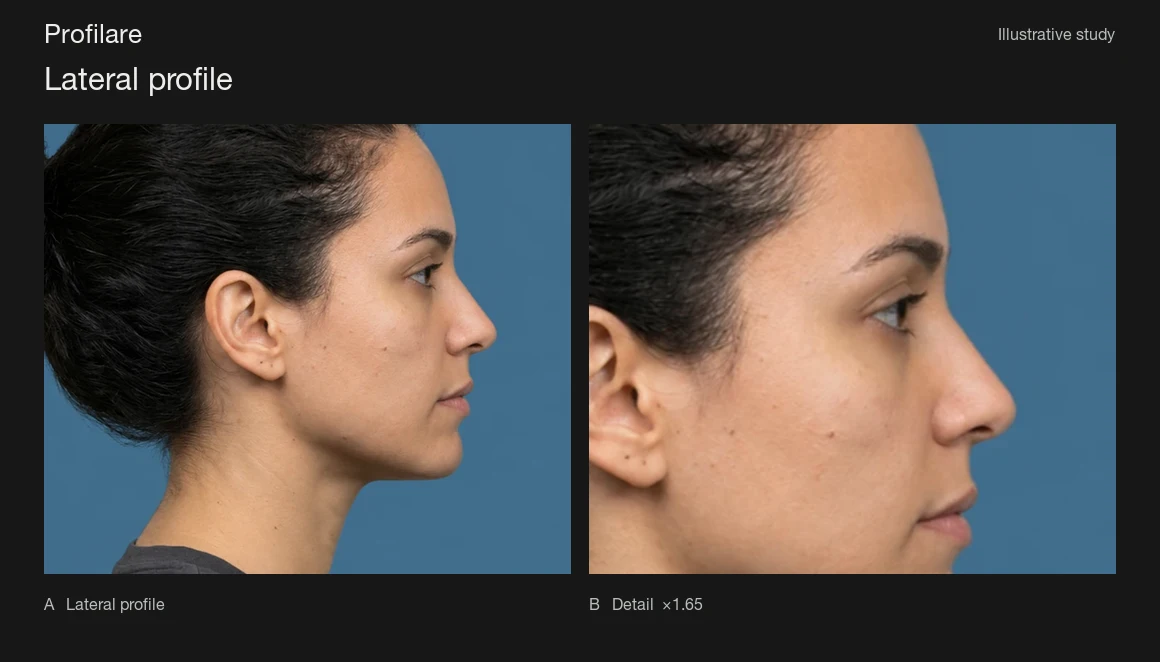
Original and detail
The detail in this demonstration is a crop of the original image.

Examine the same photograph at two scales

The right-hand image is an enlargement of the left. Inspect the tip and dorsum without mistaking a closer crop for a change in anatomy.

Start with the original photograph, then inspect the nasal tip and dorsum at a larger scale.

What to look for in the two views

Use the nose tip and the outline of the lip to recognize the same view at two scales. Magnification changes the framing. An illustrative simulation is a different version of the image. Identifying the version on screen gives the patient and surgeon a shared reference when discussing a visible difference.

See the facial photography views